Design for Phones First
Many of your subscribers will read your emails on a phone. Designing for small screens first means your email works everywhere, while designing for desktop first often leaves mobile readers squinting.
The good news is that simple designs work best on every device. You don't need complex layouts to look professional.
Layout
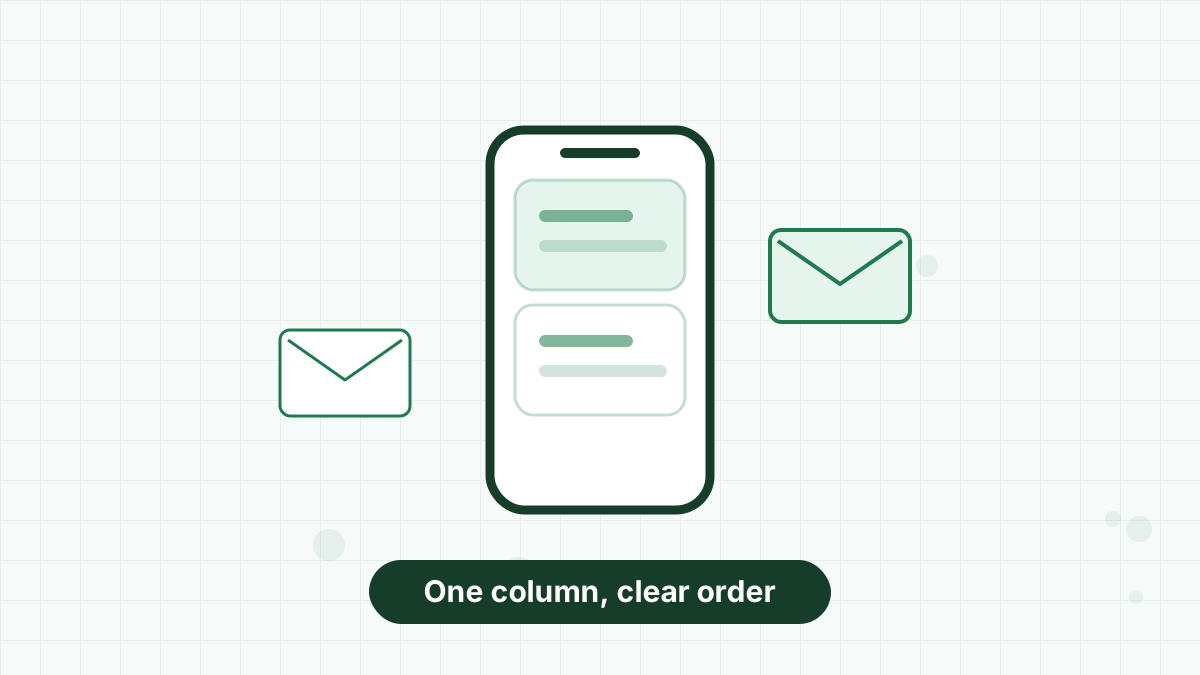
- Use a single column. It stacks naturally on phones and is easiest to follow.
- Keep the width around 600 pixels on desktop, the long-standing standard many templates use.
- Put the most important content first: the headline and main call to action near the top.
- Use plenty of white space so sections are easy to distinguish.
- Follow a clear order: header, main message, supporting content, call to action, footer.
Typography
- Use body text of at least 16 pixels for comfortable reading on phones.
- Stick to one or two fonts. Web-safe or system fonts display reliably.
- Keep paragraphs short and line spacing generous.
- Use real text, not images of text, so it's readable when images are off and accessible to screen readers.
- Left-align body text. Centered paragraphs are harder to read.
Color and Contrast
- Ensure strong contrast between text and background so everyone can read it.
- Use your brand colors for buttons and accents, not for long text.
- Don't rely on color alone to communicate meaning, such as "click the green item."
- Test dark mode. Many email apps invert or adjust colors, so check that logos and text still look right. Transparent logo files with a subtle outline often help.
Images
- Add alt text to every meaningful image, describing what it shows.
- Balance text and images. Emails that are only one large image can be hard to read and may struggle with spam filters.
- Compress images so emails load quickly on mobile data.
- Make sure the email still makes sense with images turned off.
Buttons and Links
- Use buttons for your main action, large enough to tap comfortably.
- Build "bulletproof" buttons from text and code rather than images, so they appear even when images are blocked.
- Leave space around links so readers don't tap the wrong one.
- Use descriptive link text, such as "See the spring collection," not "click here."
See email call to action for wording tips.
Footer Essentials
Every marketing email footer should include:
- A clear unsubscribe link.
- Your business name and physical mailing address, which rules such as CAN-SPAM require in the US.
- A reminder of why people are receiving the email, such as "You joined at our spring market."
- Optional preference or contact links.
See email marketing laws.
Testing Before You Send
- Send a test to yourself and open it on your phone and computer.
- Check in more than one email app, if possible.
- Turn images off and see if the message still works.
- Check dark mode.
- Click every link and button.
- Read it aloud to catch awkward wording.
Design Tools in AWeber
AWeber's drag-and-drop editor includes mobile-responsive templates, button blocks, a mobile preview and built-in Canva for creating images. Smart Designer can generate branded templates based on your website, which you can then adjust.
See AWeber templates and AWeber Canva integration.
Use AWeber's responsive templates, button blocks and Canva integration, starting on the free plan.
Email Design FAQs
What is the best layout for marketing emails?
A single-column layout around 600 pixels wide, which stacks well on phones.
What font size should I use in emails?
At least 16 pixels for body text so it's comfortable to read on phones.
Do emails need alt text?
Yes. Alt text helps screen reader users and anyone with images turned off.
How do I make emails work in dark mode?
Test in dark mode, use transparent logos and avoid relying on background colors for meaning.