Email Marketing in a Nutshell
Email marketing means sending useful, permission-based emails to people who asked to hear from you. You collect addresses with a signup form, an email platform stores them and sends your messages, and some of those emails go out automatically when someone joins.
For a beginner, the whole job comes down to six things: pick a platform, give people a reason to subscribe, write a short welcome sequence, send on a schedule you can sustain, set up your sender details correctly and watch a few simple numbers.
The reason it's worth the effort is ownership. Social platforms decide who sees your posts. Your email list is yours, and you can reach it whenever you choose.
How Email Marketing Works
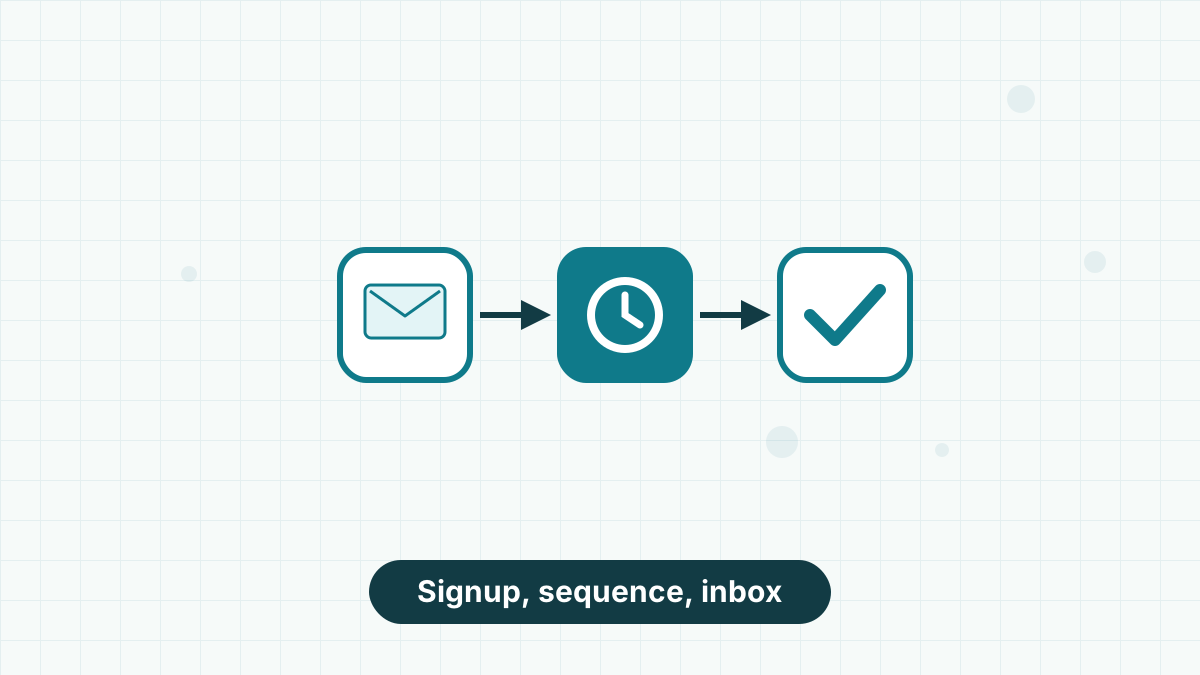
Every email program, however large, runs on the same loop. A visitor sees a signup form, enters their email address and confirms they want to hear from you. They're added to your list in your email platform.
From there, two kinds of emails go out. Automations send on a trigger, such as a welcome email the moment someone joins. Broadcasts are one-off emails you write and send to the whole list or a segment, like a weekly newsletter or a product announcement.
Over time, you learn which emails people open and click, and you adjust. That's it. Everything else in email marketing, from segmentation to split testing, is a refinement of this loop. If you want the vocabulary, our email marketing terms glossary explains every word you'll meet.
What You Need Before You Start
You don't need much, but these four things should be in place before you send your first email.
Software that hosts your forms, stores your list and sends your emails. Many have free tiers for small lists.
A specific promise, such as a checklist, a discount or a weekly tip. "Join our newsletter" alone rarely works.
A recognizable sender name, a reply-to address on your own domain if possible and a physical mailing address for your footer.
How often you can genuinely write. Once a week or once a fortnight beats an ambitious plan you abandon.
Step 1: Choose an Email Platform
Your platform is the tool you'll live in, so pick one that matches your skills and budget. For beginners, ease of use and support matter more than advanced features you won't use for a year.
Look for four things: a free or low-cost starting tier, a simple drag-and-drop editor, at least one automation so you can run a welcome sequence and hosted landing pages in case you don't have a website yet.
We usually recommend AWeber to beginners. Its free account covers up to 500 subscribers and 3,000 sends a month with one automation, it hosts landing pages for you, and it offers 24/7 support on paid plans. If you'd like to compare options first, our guide on how to choose email marketing software walks through the decision.
Ready to set up your first list? AWeber's free account includes a signup form, a landing page and a welcome automation.
Try AWeber FreeStep 2: Build a Permission-Based List
Every subscriber should have chosen to join. That means no buying lists, no adding business cards you collected and no importing your phone contacts. Emailing people who didn't opt in damages your sender reputation and can break anti-spam laws.
Start where your audience already is. Put a signup form on your website, link a landing page from your social profiles and mention your list in videos, podcasts or at the end of blog posts.
Then give people a reason. A focused lead magnet, such as a one-page checklist, a short guide or a discount code, consistently outperforms a generic newsletter invite. Our guides to building an email list and lead magnet ideas go deeper, and if you're starting from zero, read how to get your first 100 subscribers.
Step 3: Write a Welcome Sequence
A welcome sequence is a short series of automated emails that new subscribers receive after they join. It's the most-read set of emails you'll ever send, because people are most interested right after signing up.
A simple three-email sequence works well for beginners:
- Immediately: deliver and greet. Send what you promised, say who you are and tell them how often you'll email.
- Two days later: your best help. Share your most useful tip, story or resource, with no hard sell.
- Five days later: the next step. Point them toward something specific, such as a popular article, a product or a reply to you.
Write these once and they work for every future subscriber. Our welcome email sequence guide includes full examples for different types of business.
Step 4: Send a Regular Newsletter
Your welcome sequence handles new subscribers. A regular newsletter keeps everyone else engaged. Pick a frequency you can sustain for a year, such as weekly or every other week, and stick to it.
Keep each email focused on one main idea and one main link. A useful pattern is a short personal opening, the main tip or story, and a single call to action at the end.
If you're short on ideas, look at the questions customers ask you, what you've learned this week and what's changed in your industry. Our newsletter ideas list has dozens more, and how often to send emails helps you settle on a rhythm.
Step 5: Set Up Your Sender Authentication
This is the step most beginner guides skip, and it's why many first newsletters land in spam. Mailbox providers such as Gmail and Yahoo check whether your emails are really from you, using three records on your domain: SPF, DKIM and DMARC.
You add these in your domain settings, usually by copying values your email platform gives you. It sounds technical, but it's typically a 15-minute job, and good platforms walk you through it.
Getting this right protects your deliverability from day one. Our SPF, DKIM and DMARC setup guide explains each record in plain English, and Gmail and Yahoo sender rules covers what bulk senders must do.
Step 6: Follow the Basic Rules
Email marketing laws vary by country, but a few rules cover most beginners. Only email people who opted in. Include a working unsubscribe link in every email and honor requests promptly. Show your physical mailing address. Don't use misleading subject lines or sender names.
In the US, these come from the CAN-SPAM Act. In the UK and EU, GDPR and related rules add stricter consent requirements. If you're unsure which apply to you, our email marketing laws overview is a good starting point, and a qualified advisor can confirm the details for your situation.
Reputable email platforms handle much of this for you, adding unsubscribe links and address footers automatically.
Step 7: Measure What Matters
After each send, check three numbers: how many people clicked, how many unsubscribed and how many replied or bought. These tell you far more than open rates, which are less reliable now that some email apps load images automatically.
Don't chase industry averages. Compare each email with your own previous emails and look for patterns: which subjects get clicks, which topics get replies.
Our email marketing metrics guide explains which numbers matter at each stage, and email open rate covers why opens can mislead.
Common Beginner Mistakes
Most early problems come from a handful of habits. Avoiding them puts you ahead of many established senders.
- Waiting for a big list before emailing. Email your first ten subscribers. The habit matters more than the audience size.
- Emailing only when you're selling. If every email is a pitch, people stop opening. Aim for mostly helpful emails.
- Inconsistent sending. Disappearing for three months, then emailing, leads to spam complaints from people who forgot they joined.
- Skipping authentication. Without SPF and DKIM, even great emails can land in spam.
- Never cleaning the list. Subscribers who never open hurt your deliverability. Remove them periodically; our list hygiene guide shows how.
How Much Time and Money It Takes
| Item | Time | Cost |
|---|---|---|
| Platform setup and authentication | One or two evenings | Free on most starter tiers |
| Lead magnet and signup form | A weekend | Free to create yourself |
| Welcome sequence (3 emails) | Two to three hours | Included in your plan |
| Weekly newsletter | One to two hours a week | Included in your plan |
| Growing past 500 subscribers | Ongoing | From about $15 a month on AWeber Lite |
For most beginners, the real cost is time, not money. You can run a complete setup on a free plan until your list grows, then move to a paid tier. Our email marketing cost guide breaks down what you'll pay as you grow.
AWeber's free account gives you a signup form, a hosted landing page and a welcome automation, with room for 500 subscribers.
Email Marketing for Beginners FAQs
How do I start email marketing with no subscribers?
Set up a free account on a platform like AWeber, create a simple lead magnet and a landing page, and share it wherever your audience already is. Email your first subscribers even if there are only a few.
Is email marketing free?
You can start for free. Many platforms, including AWeber, offer free tiers for small lists. Costs begin when your list grows past the free limit.
How often should a beginner send emails?
Once a week or once every two weeks is a good start. Consistency matters more than frequency.
What should my first email say?
Thank the subscriber, deliver what you promised, introduce yourself briefly and tell them what to expect and how often you'll email.
Do I need a website for email marketing?
No. Hosted landing pages let you collect subscribers without a website, which is useful if you're building on social media or a podcast.
Is email marketing still worth it?
Yes. You own your list, you can reach it directly and email works for almost every type of business, from local shops to online creators.