The Short Version
Start with what your emails need to achieve, not with feature lists. Decide whether you'll mainly send newsletters, run automated sequences, sell products or support a sales team. Then shortlist two or three tools built for that job, price them at your list size a year from now and test the free plans before committing.
For most small businesses, creators and coaches, the deciding factors are a free plan that includes automation, simple tools you'll actually use and support you can reach when stuck. That combination is why we usually recommend AWeber.
If you're unsure where to start, AWeber's free plan lets you test real sequences, landing pages and newsletters with up to 500 subscribers, and its paid plans include 24/7 support.
Step 1: Define What Your Emails Must Do
Different goals need different tools. Write down which of these is your main job:
Welcome sequences, lead magnets, launches and simple checkout. Look at email-first tools like AWeber.
Regular broadcasts, an archive and perhaps sponsorships. Look at newsletter platforms and email tools with RSS.
Abandoned carts and product-based flows. Look at store-first tools such as Klaviyo, or AWeber for small ranges.
Lead scoring and pipelines. Look at CRM-style tools such as ActiveCampaign or HubSpot.
Step 2: List Your Must-Have Features
Separate must-haves from nice-to-haves. For most small businesses, the must-haves are short: signup forms, a hosted landing page, at least one automation, tags or segments, domain authentication and easy list export.
Nice-to-haves might include split testing, AI drafting, sales pages, web push or advanced reporting. Don't let a nice-to-have outweigh a must-have. Our best email marketing software page lists what each tool does best.
Step 3: Price It at Your Future List Size
Every tool's starting price applies to a small list. What matters is the cost when you have, say, 2,500 or 10,000 subscribers.
Check how each tool charges. AWeber charges by subscriber tier and publishes every tier: at 2,500 subscribers, Lite is $35 a month and Plus $55 a month on monthly billing. Brevo charges by emails sent. Klaviyo charges by active profiles. Price each shortlisted tool at the list size you expect in 12 months, with the automations you'll need. See email marketing cost.
Step 4: Check the Free Plan for Automation
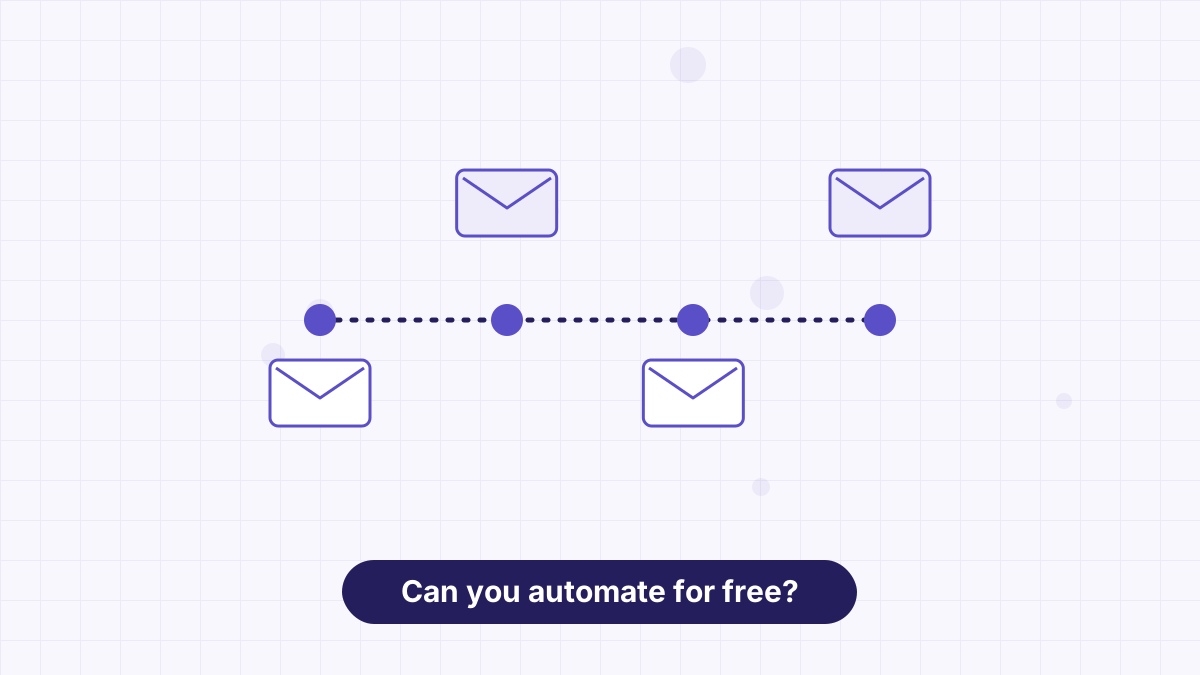
Free plans vary more than paid plans, and the biggest difference is automation. Some free plans let you run a welcome sequence; others only allow one-off broadcasts.
AWeber's free plan includes one automation and MailerLite's three. Mailchimp's free plan has no automation flows, and Kit's free plan doesn't include sequences. If you're starting a list, a free welcome sequence is worth more than a higher contact cap. See best free email marketing software.
Step 5: Judge Ease of Use and Support
A tool you find confusing is a tool you'll stop using. Spend 30 minutes in each free account: build a form, write a short email and set up one automation. Note where you got stuck.
Then check support. Who helps you, through which channels and when? AWeber offers 24/7 support on paid plans, with priority support including phone on Plus. Some competitors reserve live chat for higher tiers. See easiest email marketing software.
Step 6: Confirm Integrations and Deliverability Basics
List the two or three tools your email platform must connect with, usually your website, your checkout and perhaps a booking or webinar tool, and confirm each is supported, directly or through Zapier.
Also confirm the platform guides you through domain authentication with SPF and DKIM. That one setup step affects your inbox placement more than any marketing claim. See email deliverability.
Step 7: Test, Then Commit
Use free plans or trials to run a real mini-program for a week or two: one form, one welcome sequence and one newsletter. Check how the emails look on your phone and whether reports are clear.
Once you're confident, consider annual billing for the savings. On AWeber, that's about 17% at most tiers, or a third off Plus at 500 subscribers. See AWeber pricing.
Traps to Avoid
- Choosing on headline price alone. A cheap tool without automation or support can cost you more in time and lost subscribers.
- Paying for complexity you won't use. CRM-style tools are powerful but heavy for a weekly newsletter.
- Ignoring how prices scale. Check the 10,000-subscriber price before you start, not after.
- Splitting your audience across lists. Choose a tool with tags so everyone stays on one list.
- Forgetting export. Make sure you can take your list with you.
Quick Recommendations
| If you are… | Start with |
|---|---|
| A small business or coach selling your own offers | AWeber |
| A creator with a large broadcast audience | Kit or AWeber |
| A media newsletter earning from ads | beehiiv |
| An online store with many products | Klaviyo |
| A sales-led B2B team | ActiveCampaign or HubSpot |
| On the tightest budget | MailerLite or Brevo |
Build a form, a welcome sequence and a newsletter on the free plan and see if it fits.
How to Choose Email Marketing Software FAQs
What should I look for in email marketing software?
Signup forms, a landing page, automation, tags or segments, domain authentication, easy export and reliable support.
Should I choose a free email marketing tool?
Starting free is sensible. Choose a free plan that includes automation so you can run a welcome sequence.
How much should email marketing software cost?
For a small list, many tools are free or under about $35 a month. Prices rise with list size, so check future tiers.
How do I know if I've outgrown my email tool?
When you need more automations, segments or subscribers than your plan allows, or when the tool lacks a feature central to your business.