Why a Welcome Sequence Matters
A welcome sequence is a short series of automated emails sent to every new subscriber. It delivers what you promised, introduces you and shows people what to expect, at the moment they're paying the most attention.
Without one, new subscribers wait until your next newsletter, which might be weeks away. By then, many have forgotten why they joined. A welcome sequence closes that gap automatically.
We'd start with four emails over about ten days: deliver, help, connect, then invite. That's enough to build trust without overwhelming people, and you can refine it later.
The Four-Email Template
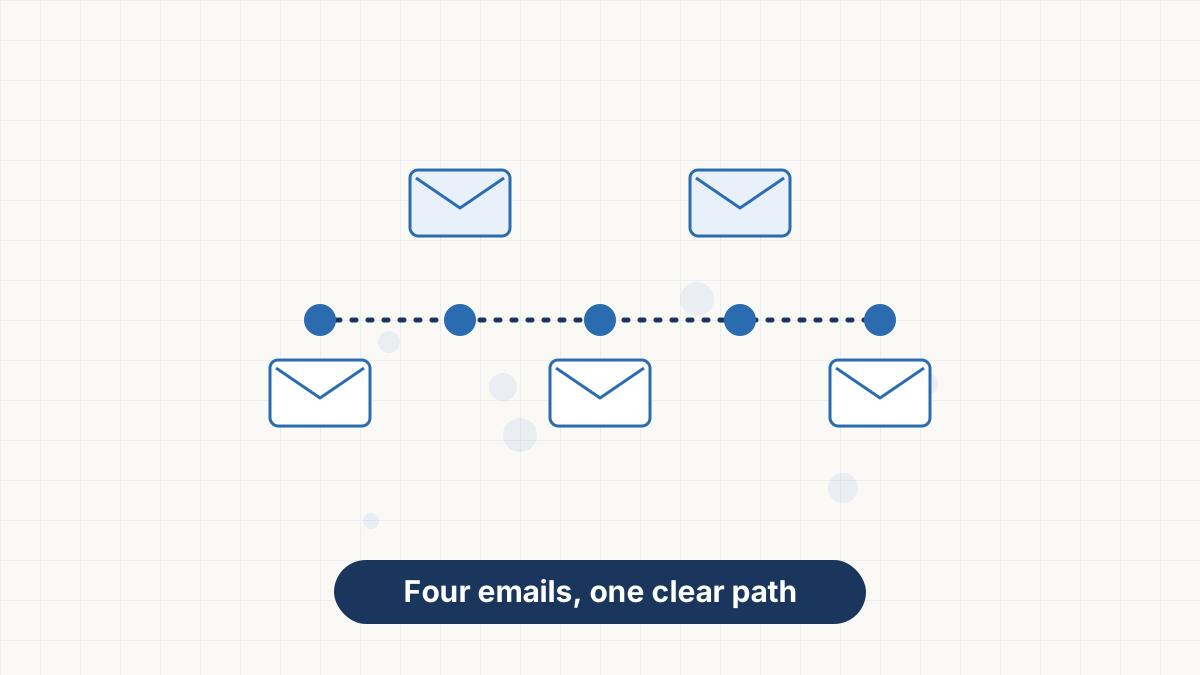
Each email has one job. Keep them short and focused.
| When | Goal | Subject line idea | |
|---|---|---|---|
| Immediately | Deliver the lead magnet and set expectations | "Your checklist is here" |
| Day 2 | Share your most useful tip or resource | "The one tip we'd start with" |
| Day 5 | Share your story and ask a question | "Why we started [business]" |
| Day 9 | Suggest a next step, such as a product or service | "Ready for the next step?" |
Email 1: Deliver What You Promised
Send this the moment someone subscribes. Thank them, deliver the download or discount in the first line, and tell them what to expect: what you'll send and how often.
Keep it short. People want what they signed up for, so put the link near the top.
Email 2: Help Them Get a Quick Win
Two days later, share something genuinely useful: a tip, a short guide or your best article. Connect it to why they joined.
This email proves your emails are worth opening. It's often the one people remember.
Email 3: Introduce Yourself
A few days later, share a short story about who you are and why you do what you do. Then ask a simple question, such as "What's your biggest challenge with [topic]?"
Replies tell you what your audience needs, and they help deliverability because mailbox providers see real conversation.
Email 4: Invite the Next Step
End the sequence with a clear, relevant next step. That might be your product, a consultation, a course or simply your most popular content.
Make it helpful rather than pushy: explain who it's for and what problem it solves. Readers who aren't ready will still receive your regular emails.
Variations by Business Type
Deliver the discount, then share bestsellers, your brand story and a reminder before the discount expires. See email marketing for ecommerce.
Deliver the resource, share a client-style example with permission, explain your approach and invite a call. See email marketing for coaches.
Deliver the freebie, share your best posts, introduce yourself and invite replies or sharing. See email marketing for bloggers.
Deliver a free lesson, share a quick win, explain the full course and open enrollment. See email marketing for course creators.
Writing Tips
- Use a recognizable sender name, such as your name or business name.
- Keep each email to one goal and one main link.
- Write as you'd speak. Short sentences and paragraphs work best.
- Personalize lightly with first names if you collected them. See email personalization.
- Make it easy to read on phones. See email design best practices.
For more on subject lines, see email subject lines.
How to Set It Up in AWeber
- Create or choose your signup form or landing page.
- Add a tag to subscribers from that form, such as "checklist."
- Create a new automation triggered by the tag or by joining the list.
- Add your four emails with waits between them: zero, two, three and four days.
- Test it by subscribing with your own email address.
- Activate the automation.
AWeber's free plan includes one automation, enough for a welcome sequence. See AWeber automation.
Build your welcome sequence free with AWeber's automation builder.
Try AWeber FreeHow to Improve It Over Time
Review your welcome sequence every few months:
- Open and click rates by email show where interest drops.
- Unsubscribes after a specific email suggest it isn't matching expectations.
- Replies to email three reveal what readers want next.
- Sales or bookings from email four show whether your offer fits.
Update anything outdated, and add your best-performing newsletter content as you learn what resonates. See A/B testing emails.
AWeber's free plan includes signup forms, a landing page and one automation for your welcome sequence.
Welcome Email Sequence FAQs
How many emails should a welcome sequence have?
Three to five is common. Four emails over about ten days is a good starting point.
When should the first welcome email be sent?
Immediately after someone subscribes, while they're still paying attention.
Should I sell in my welcome sequence?
Yes, gently, once you've delivered value. A relevant offer in the last email works well.
Can I set up a welcome sequence for free?
Yes. AWeber's free plan includes one automation, enough for a welcome sequence.