How Workflows Work
Every email automation workflow has three parts: a trigger that starts it, steps such as emails and waits, and sometimes actions such as adding a tag. You set it up once, and it runs for each person who triggers it.
The best workflows respond to a moment when someone expects to hear from you: joining your list, buying something or going quiet.
Most small businesses get the most value from a welcome sequence and one sales-related workflow, such as post-purchase or lead nurture. Build those first, then add more as you learn.
Recipes for New Subscribers
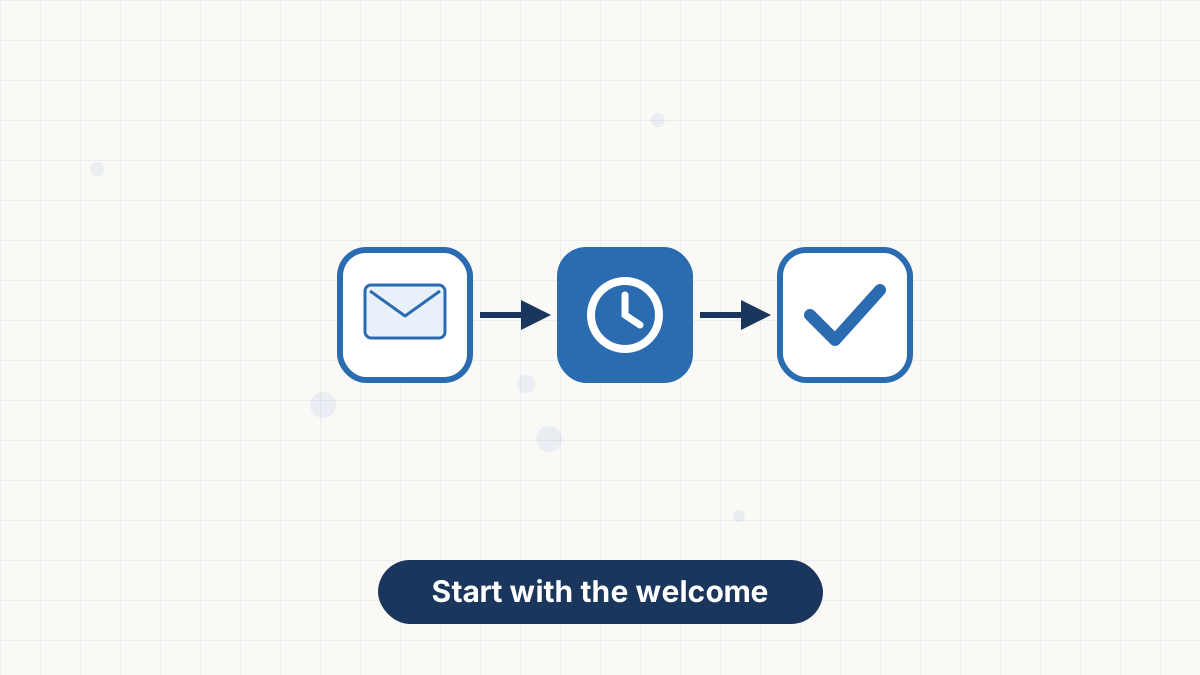
- Welcome Sequence
Trigger: joins your list. Emails: deliver the lead magnet, a useful tip, your story and an invitation. Timing: immediately, then days 2, 5 and 9. See welcome email sequence.
- Lead Magnet Delivery by Interest
Trigger: tag from a specific form, such as "pricing-guide." Emails: deliver the resource, then two follow-ups about that topic. Why: people who download different resources want different things.
- Email Course
Trigger: signs up for the course. Emails: one lesson a day for five days, ending with an offer. See drip campaign.
Recipes for Selling
- Lead Nurture
Trigger: clicks a link about a product or service, adding a tag. Emails: answer common questions, share an example, address objections and invite a purchase or call. Timing: every two to three days.
- Abandoned Cart
Trigger: leaves items in a cart, via a store integration. Emails: a reminder within hours, a helpful follow-up the next day, and optionally a final nudge. See abandoned cart emails.
- Product Launch
Trigger: joins a waitlist tag. Emails: teaser, launch announcement, answers to questions and a closing reminder. See product launch email sequence.
Recipes for Customers
- Post-Purchase Onboarding
Trigger: buys a product or service. Emails: thank you and next steps, a tip for getting value, a check-in and a review request. Why: helping people succeed leads to repeat purchases and referrals.
- Review or Referral Request
Trigger: a set time after purchase, such as two weeks. Email: ask for a review or a referral, with a direct link.
- Birthday or Anniversary
Trigger: a date field, such as birthday or signup anniversary. Email: a short thank-you, optionally with an offer. Note: only if you collected the date with permission.
Recipes for Keeping Your List Healthy
- Re-Engagement
Trigger: no opens or clicks for a set period, such as 90 days. Emails: a friendly check-in, a reason to stay and a final "should we remove you?" message. Action: remove people who don't respond. See re-engagement email campaign.
Which Workflows to Set Up First
| Business | First workflow | Second workflow |
|---|---|---|
| Online store | Welcome with discount | Abandoned cart |
| Service business | Welcome | Lead nurture |
| Coach or consultant | Welcome | Lead nurture to a call |
| Course creator | Email course | Product launch |
| Blogger or creator | Welcome | Lead magnet by interest |
| Nonprofit or church | Welcome | New donor or visitor follow-up |
Building Workflows in AWeber
AWeber's automations support triggers such as joining a list or receiving a tag, waits between emails and tag actions inside the workflow. Purchases made through AWeber's ecommerce tools can tag buyers, and integrations with store platforms can trigger cart and purchase workflows.
The free plan includes one automation, Lite includes three and Plus includes unlimited. See AWeber automation and AWeber Lite vs Plus.
Start with a welcome sequence on AWeber's free plan, then add sales and customer workflows as you grow.
Email Automation Workflow FAQs
What is an email automation workflow?
A set of automated steps, such as emails, waits and tags, that runs when someone triggers it.
What's the first workflow I should build?
A welcome sequence. Every new subscriber benefits from it.
How many automations does a small business need?
Two or three cover most needs: welcome, a sales workflow and re-engagement.
Do I need a paid plan for email automation?
Not to start. AWeber's free plan includes one automation; paid plans add more.