Our Top Picks
AWeber
An autoresponder pioneer with simple workflows, an automation on the free plan and unlimited automations on Plus.
MailerLite
Three active automations free and a visual builder that's easy to learn.
ActiveCampaign
Deep, branching automation and CRM features for sales-led teams.
If you want reliable welcome sequences and follow-ups without a learning curve, start with AWeber.
What an Autoresponder Actually Does
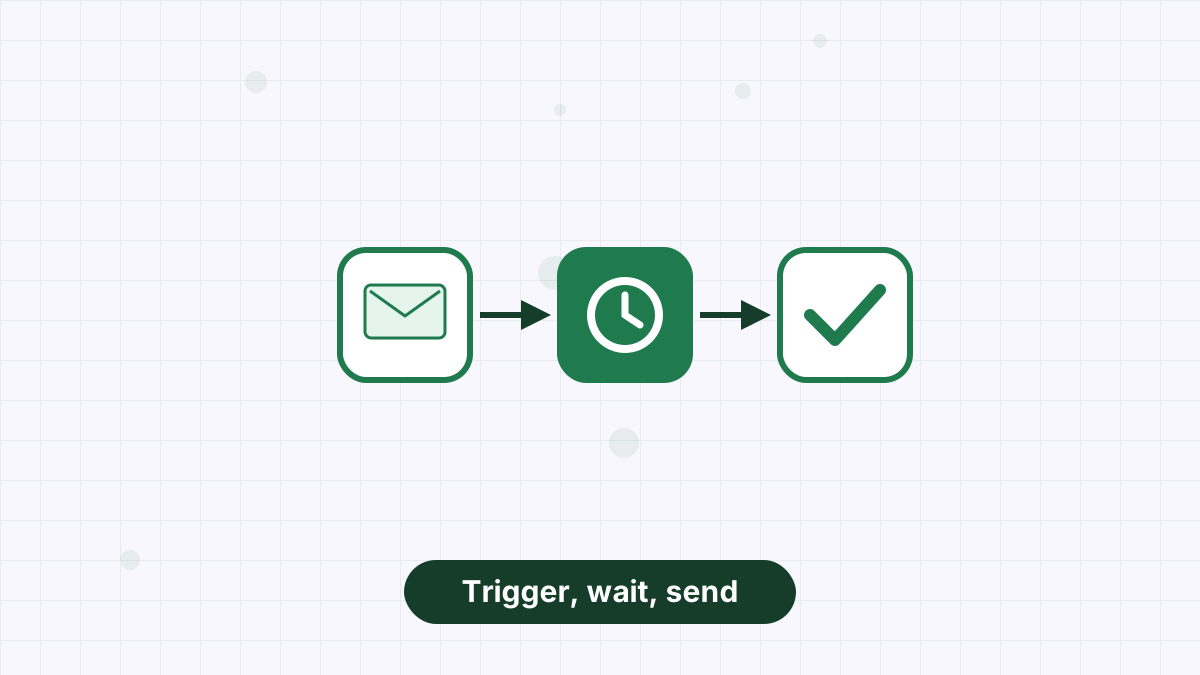
An autoresponder sends pre-written emails automatically when something happens: a subscriber joins, receives a tag, clicks a link or buys a product. The classic example is a welcome sequence that runs for every new subscriber without you touching it.
Modern tools call this automation or workflows, but the idea is the same. Our what is an autoresponder guide explains the concept in more detail.
What to Look For
Can you run at least one sequence without paying? Many free plans leave this out.
Signups, tags, link clicks, purchases and dates cover most needs.
A visual builder with clear waits and branches saves hours.
How many automations each plan allows, and what the next tier costs.
Automations can misfire. Fast help matters.
Autoresponders Compared
| Tool | Free automation | Where unlimited automation starts | Best for |
|---|---|---|---|
| AWeber | 1 automation | Plus, from $30/month ($20 annual) | Most small businesses and creators |
| MailerLite | 3 active automations | Power, from $25/month | Budget users |
| ActiveCampaign | 14-day trial only | Varies by plan | Advanced automation and CRM |
| GetResponse | Limited free account | Marketer, from $59/month | Webinars and funnels |
| Kit | No sequences on free | Creator, from $33/month at 1,000 | Creators |
| Mailchimp | No automation flows on free | Standard, up to 200 flows | Broad suite |
| Brevo | Not stated on free | Standard, from $18/month | Volume-based senders |
- AWeber: Best Autoresponder for Most Businesses
AWeber was one of the earliest autoresponder tools, and sequences remain its strength. Its workflows use five building blocks: starters, messages, waits, tags and RSS feed checks. Click and open rules apply tags automatically, and workflows can split subscribers by tag or engagement.
The free plan includes one automation, enough for a welcome sequence. Lite allows three, and Plus is unlimited at $30 a month, or $20 a month billed annually at 500 subscribers. Add 24/7 support, and it's the easiest autoresponder for most people to set up and trust. See AWeber automation.
Build your first welcome sequence free on AWeber, then upgrade for unlimited automations.
Try AWeber Free
- MailerLite: Best Budget Autoresponder
MailerLite's free plan includes three active automations for up to 250 subscribers, and Comfort raises that to 50 automations from $12 a month. Its visual builder is clean and approachable.
Trade-off: fewer free subscribers than AWeber and self-serve support on lower plans. See AWeber vs MailerLite.
- ActiveCampaign: Best for Complex Automation
ActiveCampaign's automations branch on detailed conditions and connect to CRM data, with predictive sending and conditional content on higher plans. It's ideal for sales-led businesses with multi-stage journeys.
Trade-off: no free plan, more complexity and higher cost. See AWeber vs ActiveCampaign.
- GetResponse: Best for Webinar Follow-Ups
GetResponse's Marketer plan, from $59 a month, unlocks unlimited automation workflows and abandoned cart recovery, and Creator adds webinars. It suits businesses that sell through webinars and want automation tied to them.
Trade-off: Starter includes just one workflow. See AWeber vs GetResponse.
- Kit: Best for Creator Sequences
Kit's visual automations and sequences start on its Creator plan, from $33 a month at 1,000 subscribers. Creators like its tag-centric approach.
Trade-off: no sequences on the free plan. See AWeber vs Kit.
Five Autoresponder Sequences Worth Building
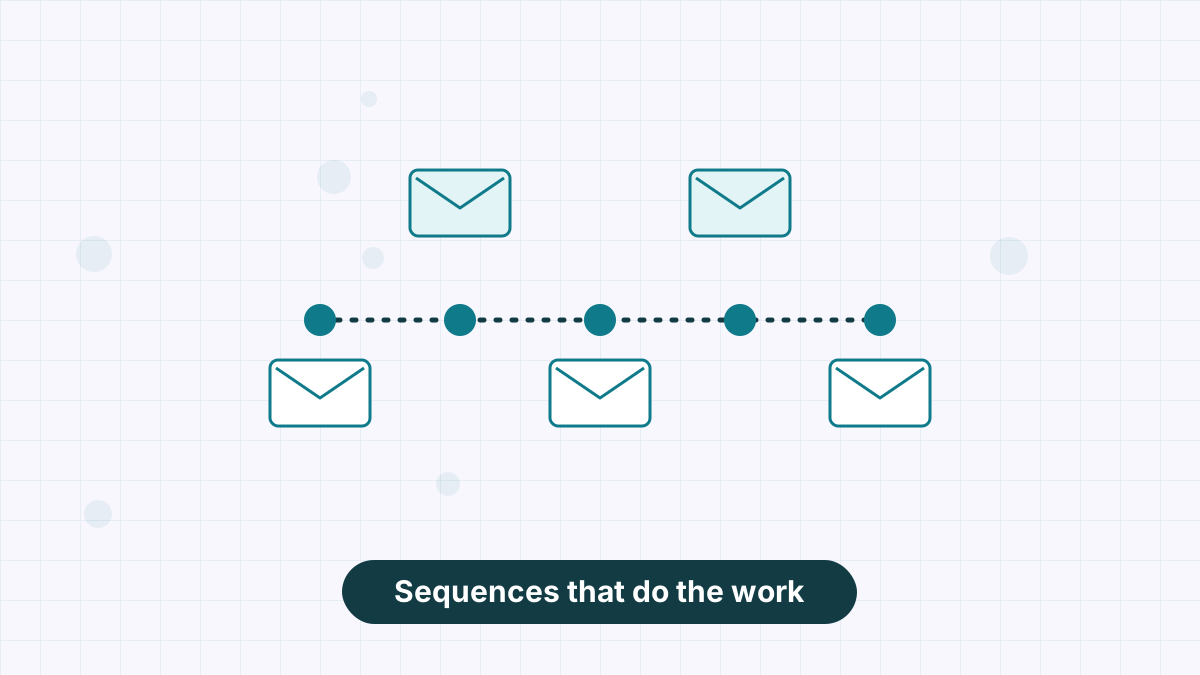
Whichever tool you choose, these sequences deliver the most value:
- Welcome sequence: three to five emails introducing you and delivering your lead magnet. See welcome email sequence.
- Lead magnet follow-up: help people use what they downloaded.
- Post-purchase onboarding: thank buyers and help them succeed.
- Drip education: a short course delivered over a week or two. See drip campaign.
- Re-engagement: win back quiet subscribers or remove them. See re-engagement email campaign.
AWeber's free plan includes an automation for your welcome sequence, with 24/7 support on paid plans.
Best Autoresponder FAQs
What is the best autoresponder for beginners?
AWeber is one of the easiest, with simple workflows, an automation on the free plan and 24/7 support.
Is there a free autoresponder?
Yes. AWeber's free plan includes one automation and MailerLite's includes three.
What's the difference between an autoresponder and email automation?
They're closely related. An autoresponder sends emails automatically on a trigger; email automation is the broader term for workflows with multiple triggers and branches.
How many emails should an autoresponder sequence have?
Three to five emails is a good starting point for most welcome sequences.