How Opens Are Tracked
Most email platforms add a tiny invisible image to each email. When the image loads, the platform records an open. Open rate is opens divided by delivered emails.
That method was always imperfect: people who block images were counted as not opening, and preview panes sometimes counted as opens. But until 2021, it was broadly useful.
Why Open Rates Are Inflated
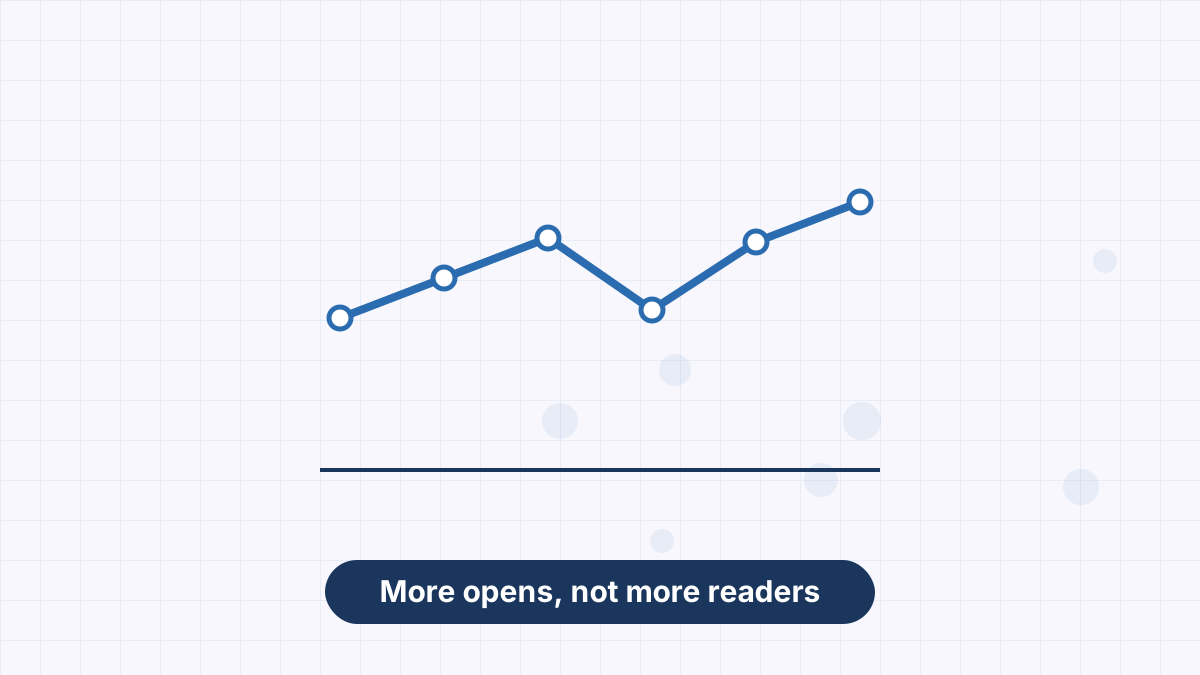
In 2021, Apple introduced Mail Privacy Protection for its Mail app. When enabled, it can load email images in the background, whether or not the person reads the email. Those loads register as opens.
Other privacy tools, security scanners and email features can have similar effects. The result: many lists saw open rates jump without any real change in reader behavior.
What Open Rates Are Still Good For
Opens aren't useless; they're just less precise. They can still help you:
- Spot deliverability problems: a sudden, sharp drop at one provider may mean emails are landing in spam.
- See long-term trends on the same list, measured the same way.
- Compare subject lines roughly, alongside clicks.
What Opens Shouldn't Be Used For
Use Opens For
- Rough trend monitoring over months
- Spotting sudden deliverability drops
- A secondary signal in subject line tests
Avoid Using Opens For
- Deciding A/B test winners on their own
- Defining "inactive" subscribers for cleaning
- Triggering automations that assume someone read the email
- Comparing your list with published averages
What to Track Instead
Clicks are the most reliable engagement signal because they require a person to act. Replies, conversions and revenue connect email to real results.
For list cleaning and re-engagement, define inactive subscribers by clicks over a period rather than opens. See email list hygiene and email click-through rate.
Improving Real Opens
Even if open data is fuzzy, getting more people to genuinely open your emails still matters. The levers are familiar:
- Use a recognizable sender name and keep it consistent.
- Write specific, honest subject lines. See email subject lines.
- Add preview text that adds a reason to open. See email preheader text.
- Send on a consistent schedule readers learn to expect.
- Protect deliverability so emails reach the inbox. See email deliverability.
- Send relevant content so people want the next email.
Open Rates in AWeber
AWeber reports opens alongside clicks for every email. Use opens as a trend line and clicks for decisions: tag subscribers who click specific links, build segments from clicks and judge split tests primarily on clicks. See email marketing metrics.
Use AWeber's click tracking and tags to measure real engagement and follow up automatically.
Email Open Rate FAQs
What is an email open rate?
The share of delivered emails recorded as opened, usually tracked with an invisible image.
Why did my open rate suddenly increase?
Privacy features like Apple Mail Privacy Protection can record opens automatically, inflating rates.
Are open rates still useful?
For rough trends and spotting deliverability drops, yes. For decisions, use clicks.
What is a good open rate?
It varies widely and is inflated for many lists. Track your own trend and focus on clicks.