How to Calculate Click-Through Rate
Click-through rate (CTR) = Unique clicks ÷ Delivered emails × 100. Click-to-open rate (CTOR) = Unique clicks ÷ Unique opens × 100.
If you deliver 1,000 emails and 30 people click, your CTR is 3%. Unique clicks count each person once, however many links they click, which makes CTR easier to compare between emails.
Click-to-open rate used to be popular for judging content, but because opens are now inflated by privacy features, CTOR can look lower than it really is. CTR is usually the better everyday measure. See email open rate.
What Affects Clicks
Emails matched to subscriber interests get more clicks. See email segmentation.
One obvious next step beats several competing ones. See email call to action.
A specific, useful resource or offer gives people a reason to click.
Buttons that are easy to tap and emails that read well on phones.
Emails in spam can't be clicked. See email deliverability.
Subscribers who get what they signed up for engage more.
10 Ways to Improve Click-Through Rate
- Use one primary call to action per email.
- Make buttons big and tappable, with clear wording like "Get the Checklist."
- Put the main link near the top and repeat it at the end.
- Segment by interest so offers match readers.
- Write specific link text rather than "click here."
- Tease, don't tell everything: give readers a reason to click for the full guide.
- Keep emails scannable with short paragraphs and clear headings.
- Send at a consistent time your readers expect. See best time to send email.
- Test one change at a time. See A/B testing emails.
- Clean inactive subscribers so your CTR reflects engaged readers. See email list hygiene.
Reading Your CTR
Click-through rates vary widely by industry, email type and list. A promotional email to your whole list will usually get a lower CTR than a welcome email to new subscribers.
Compare similar emails over time: newsletters with newsletters, promotions with promotions. A rising trend matters more than any benchmark.
Turn Clicks Into Follow-Ups
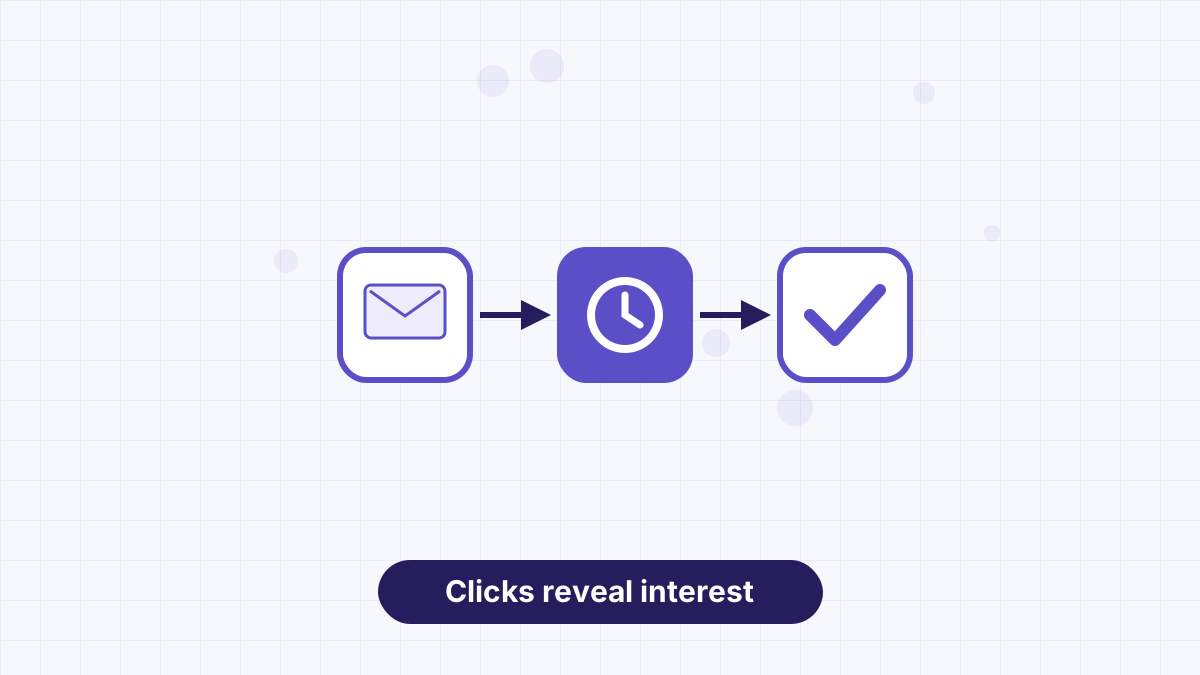
Clicks tell you what subscribers care about. Tag people who click specific links, then send related follow-ups. For example, subscribers who click a pricing link might get a short sequence answering common pricing questions.
AWeber's automations can apply tags when someone clicks a link, so this happens automatically. See AWeber automation and AWeber tags and segments.
Use AWeber's templates, button blocks and click-triggered tags to raise clicks and act on them automatically.
Click-Through Rate FAQs
What is email click-through rate?
The share of delivered emails that received at least one click.
What's the difference between CTR and CTOR?
CTR divides clicks by delivered emails; CTOR divides clicks by opens.
What is a good email click-through rate?
It depends on your audience and email type. Compare similar emails and aim to improve your trend.
How can I quickly improve clicks?
Use one clear call to action, make buttons easy to tap and segment by interest.