What Segmentation Is
Email segmentation is dividing your subscribers into groups based on what they want, what they've done or who they are, then sending each group more relevant emails.
The goal isn't complexity. It's relevance. A bakery's wholesale customers and home bakers want different emails. A coach's prospects and current clients need different messages.
We'd begin with a few segments you can actually write for, such as interest, customer status and engagement. More segments than you can create content for just adds work.
When to Start Segmenting
Start as soon as you have two kinds of subscribers who want different things. That's often earlier than people expect, even with a list of a few hundred.
Segmentation is especially useful for small lists, because every subscriber relationship matters more. Relevant emails build engagement habits that carry forward as the list grows.
Segments Worth Building First
Topics or product categories subscribers chose at signup or clicked on.
Subscribers who haven't bought, first-time customers and repeat customers.
Active readers vs people who haven't opened or clicked in months.
Which form, lead magnet or event someone joined from.
These four cover most small business needs. Add others only when you have a specific email to send them.
More Segmentation Ideas
| Type | Examples | Good for |
|---|---|---|
| Interest | Topics, product categories, content preferences | Newsletters, content businesses |
| Behavior | Links clicked, downloads, webinar attendance | Nurture sequences, launches |
| Purchase | Products bought, order count, time since purchase | Online stores, course creators |
| Location | City, region, nearest store | Local businesses, events |
| Lifecycle | New subscriber, lead, customer, lapsed | Any business |
| Role or type | Business size, industry, buyer vs seller | B2B, real estate, services |
How to Collect Segment Data
- Ask at signup with one optional question, such as a topic choice.
- Use separate forms for different lead magnets and tag each.
- Tag link clicks in your emails. Someone who clicks a link about pricing is interested in pricing.
- Tag purchases through ecommerce tools or store integrations.
- Offer a preference page where subscribers choose topics.
Behavior-based data is often more useful than what people say, because it reflects what they actually do.
How to Use Your Segments
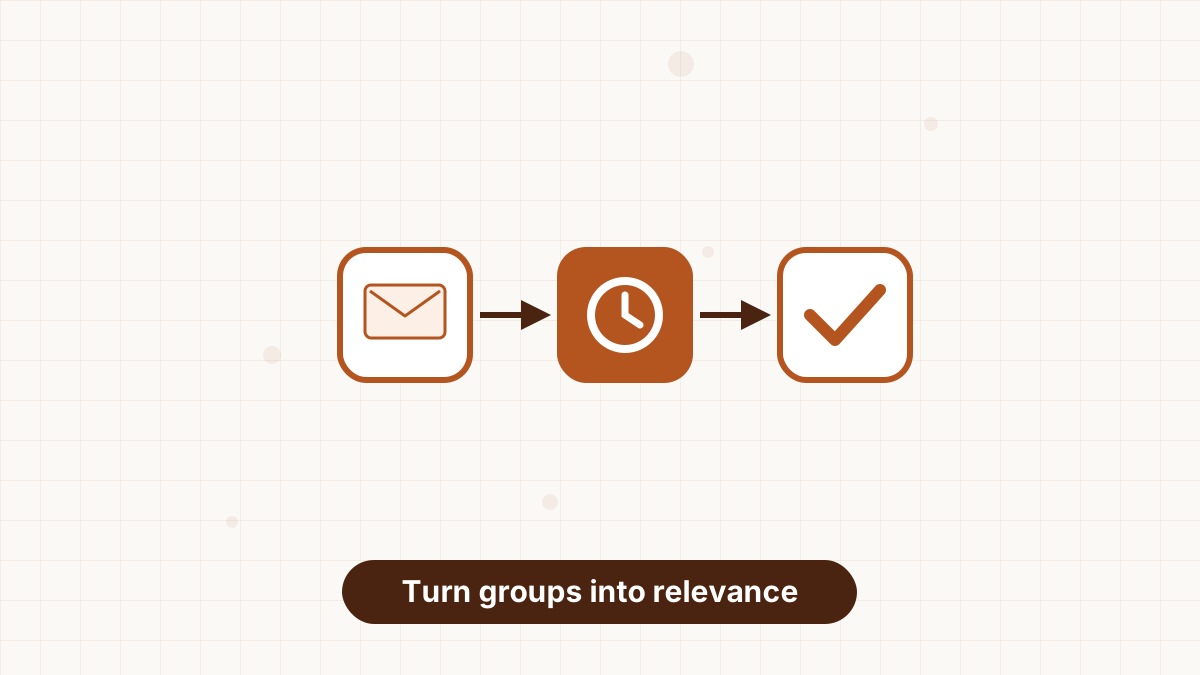
- Send targeted broadcasts to one segment, such as a workshop invitation for local subscribers.
- Exclude segments, such as leaving recent buyers out of a promotion for the item they bought.
- Trigger automations when someone joins a segment, such as a nurture sequence after clicking a pricing link.
- Use dynamic content to vary sections of one email by segment.
- Re-engage inactive subscribers with a dedicated campaign. See re-engagement email campaign.
Segmentation in AWeber
In AWeber, tags are the building blocks. Forms, link clicks, purchases and automations can apply tags, and segments are saved filters based on tags and subscriber fields. Tags can also start workflows, so segmentation runs automatically once you set the rules.
Plans differ: Lite includes one custom segment, while Plus includes unlimited segments and lists. Tags are available across plans. See AWeber tags and segments.
Segmentation Mistakes
- Too many segments with no content to send them.
- Segmenting on data you don't have, leaving most subscribers unsorted.
- Forgetting exclusions, so customers get offers for things they own.
- Never reviewing segments as your business changes.
Tag subscribers by form, click and purchase in AWeber, then send targeted emails and automations.
Email Segmentation FAQs
What is email segmentation?
Dividing subscribers into groups based on interests, behavior or details so each gets more relevant emails.
How many segments should a small business have?
Start with two to four you can actually create content for.
Does segmentation work for small lists?
Yes. It's often most valuable when every subscriber relationship matters.
What's the difference between tags and segments?
Tags are labels on subscribers; segments are groups defined by tags and other fields.