The Short Answer
Most small businesses do well sending one email a week, and many succeed anywhere from a couple of times a month to a few times a week. The right frequency depends on how much useful content you have, what your readers expect and how they respond.
The most important rule: send on the schedule you promised at signup, and make every email worth opening.
Starting Points by Business Type
| Business | Starting frequency | Why |
|---|---|---|
| Local service business | Twice a month | Tips and seasonal reminders without overwhelming |
| Online store | Weekly, more during sales | Products and offers change often |
| Blogger or creator | Weekly | Matches a regular publishing rhythm |
| Coach or consultant | Weekly | Builds trust steadily |
| Nonprofit | Twice a month to monthly, more during campaigns | Updates and appeals need space |
| Restaurant | Weekly to twice a month | Menus, events and offers |
These are starting points, not rules. Your results will tell you whether to adjust.
Signs You're Sending Too Often
- Unsubscribes climb after each send.
- Spam complaints appear or increase.
- Clicks fall steadily over several weeks.
- Replies mention "too many emails."
- You're struggling to write anything useful.
Signs You're Not Sending Enough
- People forget who you are and mark you as spam when you do send.
- Each email gets a spike of unsubscribes because readers no longer recognize you.
- Opportunities pass without an email, such as launches or seasonal moments.
- Your list goes cold between sends.
Sending too rarely is often a bigger problem than sending too often, because readers lose the connection.
Broadcasts vs Automations
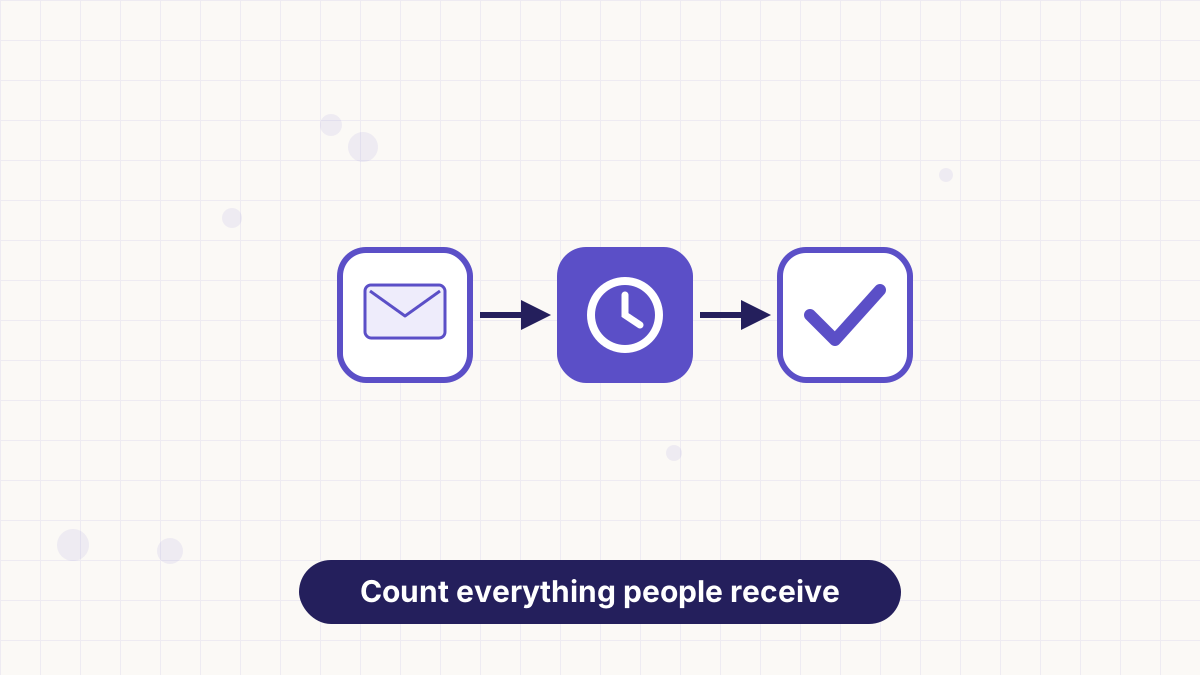
Your frequency includes everything a subscriber receives: newsletters, promotions and automated emails. A new subscriber in a welcome sequence might also receive your weekly newsletter, which can feel like a lot.
Consider pausing newsletters for people in an active sequence, or spacing automated emails so the total stays comfortable. See email automation workflows.
Let Subscribers Choose
A preference option lets subscribers pick a frequency, such as weekly or monthly, or choose topics. People who would otherwise unsubscribe can choose "less often" instead.
You can also segment by engagement: send more to active readers and less to quiet ones. See email segmentation.
How to Test a New Frequency
- Pick one change, such as moving from twice a month to weekly.
- Keep it for at least four weeks so you see a pattern, not a one-off.
- Track clicks, unsubscribes and complaints per email and per month.
- Look at total results, such as monthly clicks or sales, not just per-email averages.
- Keep the change if total results improve without a jump in unsubscribes or complaints.
Scheduling in AWeber
AWeber lets you schedule broadcasts ahead, send to segments and build automations with waits between emails, so you can keep a steady rhythm and control how many emails each subscriber receives.
See email marketing calendar to plan your schedule.
Schedule broadcasts, segment by engagement and automate sequences with AWeber, starting on the free plan.
Email Frequency FAQs
How often should a small business send emails?
Once a week is a good default, adjusted based on clicks, unsubscribes and the content you have.
Is sending emails every day too much?
For most businesses, yes, unless subscribers signed up for daily content.
Do automated emails count toward frequency?
Yes. Count everything a subscriber receives, including sequences.
How do I know if I'm emailing too much?
Rising unsubscribes, complaints and falling clicks over several weeks are the main signs.