AWeber Signup Forms in Brief
AWeber's form builder lets you design a signup form, connect it to your list and place it on your website by pasting a small code snippet, or through AWeber's WordPress plugin. AWeber also offers an AI signup form builder to generate a starting design.
Each form can tag new subscribers, so you know where they joined and which welcome sequence they should receive.
AWeber's forms are quick to set up and work on any website. We'd create one form per offer, tag each one and connect it to a matching welcome workflow.
Forms vs Landing Pages
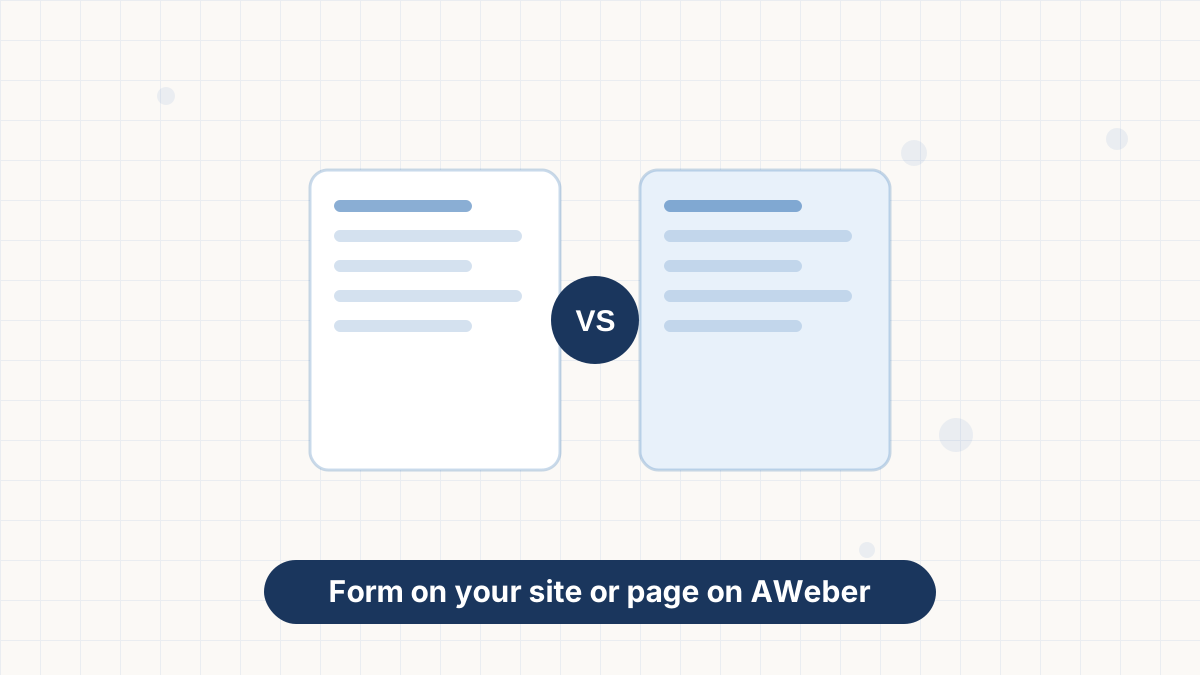
The difference is where they live. A signup form sits inside your existing website, in a sidebar, after a blog post or in your footer. A landing page is a standalone page AWeber hosts, ideal when you don't have a site or want one focused destination for a campaign.
Many people use both: forms to capture website visitors and a landing page for social media and podcast traffic. If you don't have a website yet, start with AWeber landing pages.
How to Create a Form
- Open the signup forms area for your list in AWeber.
- Choose a template or start from the AI form builder.
- Edit the fields. Email address is essential; add a first name only if you'll use it.
- Write the headline and button text. Make the offer specific.
- Set the thank-you behavior. Show a message or send people to a page with their download.
- Add a tag so subscribers from this form can be identified and sent the right workflow.
- Save and get the code to publish on your site.
Embedding Your Form
Once your form is saved, AWeber gives you options to publish it. The common route is a JavaScript snippet you paste into your site; a raw HTML version is also available for sites that need it.
On WordPress, AWeber's official plugin lets you add forms with a block or shortcode, without touching code. It also integrates with Elementor and can add commenters and new registrants to your list. Full walkthrough in AWeber WordPress.
On website builders such as Squarespace or Wix, paste the code into an embed or code block. If your builder has a native AWeber integration, use that instead.
Where to Place Forms for More Signups
Placement matters as much as design. The best spots are where readers are already engaged:
- End of blog posts. People who finish an article are your warmest visitors.
- Within long posts. A form after a useful section catches readers mid-scroll.
- Homepage. Above the fold, with a clear reason to subscribe.
- Dedicated resource page. A page listing your free guides, each with its own form.
- Footer. Low-key but always available.
Popups can work well, too, when they're timed to appear after someone has read for a while rather than instantly. Many WordPress tools that connect to AWeber can handle popup timing.
Write a Form People Want to Fill In
Most underperforming forms have the same problem: they offer nothing specific. Compare these:
| Element | Weak | Strong |
|---|---|---|
| Headline | Subscribe to our newsletter | Get our 5-day meal plan, free |
| Supporting line | Stay up to date | A simple plan and shopping list in your inbox each morning |
| Button | Submit | Send me the meal plan |
| Fine print | None | One email a week. Unsubscribe anytime. |
The strong version tells people exactly what they'll get, when, and how often you'll email. That clarity also lowers spam complaints later. Our signup form best practices and lead magnet ideas guides go deeper.
Single or Confirmed Opt-In?
With confirmed opt-in, new subscribers click a link in a confirmation email before they're added. It adds a step but keeps typos and fake addresses off your list, which protects deliverability.
Single opt-in adds people immediately, which grows the list faster but lets more bad addresses through. Our view: use confirmed opt-in if you get much spam signup or bot traffic, and make the confirmation email short and clear. See double opt-in vs single opt-in.
Troubleshooting Forms
Signups aren't arriving. Check that the form is connected to the right list and test with a new email address.
The form looks broken on mobile. Preview it on your phone and simplify the layout, or switch to a more compact template.
Lots of fake signups. Turn on confirmed opt-in and consider adding protection against bots on your site.
Low signup rate. Make the offer more specific, move the form to a more visible spot and cut fields.
Build a form in AWeber, embed it in minutes and connect it to a welcome sequence that runs itself.
AWeber Signup Forms FAQs
How do I add an AWeber form to my website?
Copy the JavaScript snippet or raw HTML from your saved form and paste it into your site, or use the official WordPress plugin.
Can AWeber forms tag subscribers?
Yes. Each form can apply tags, which lets you start the right workflow for each offer.
How many signup forms can I create?
AWeber's pricing page doesn't list form limits; landing pages and automations are the items limited by plan.
Can I use AWeber forms on WordPress without code?
Yes. AWeber's WordPress plugin adds a signup form block and shortcodes.