The Short Version
Install the official AWeber plugin from the WordPress plugin directory, connect it to your AWeber account, then add your signup form using the "AWeber Sign Up Form" block or a shortcode. That's it: new signups go straight to your AWeber list.
The plugin can also embed landing pages, support web push notifications, add people who comment or register on your site to your list, and work with Elementor.
If your site runs on WordPress, the official plugin is the way to go. It's free, it avoids pasting code and it gives you more ways to capture subscribers than a single embedded form.
What the AWeber Plugin Does
The plugin is listed in the WordPress directory as a free signup form and landing page builder, with more than 8,000 active installs. Here's what it adds to your site:
| Feature | What it does for you |
|---|---|
| Sign Up Form block | Drop an AWeber form into any post or page in the block editor |
| Shortcodes | Place forms, including split-test versions, anywhere shortcodes work |
| Landing page embedding | Show an AWeber landing page on your WordPress site |
| Web push notifications | Let visitors opt in to browser notifications |
| Comment and registration opt-in | Add commenters and new site registrants to your list |
| Elementor integration | Use AWeber forms inside Elementor designs |
How to Set It Up
- Create a form in AWeber first. Build and save your signup form, with a tag for this source.
- Install the plugin. In WordPress, go to Plugins, search for AWeber and install the official plugin.
- Activate and connect. Follow the plugin's prompt to connect your AWeber account.
- Add the form. In the block editor, add the AWeber Sign Up Form block and choose your form, or paste the shortcode.
- Turn on extra opt-ins. If you want commenters or registrants added, enable those options in the plugin settings.
- Test it. Sign up with a fresh email address and check that you receive your welcome email.
Alternative: Paste the Form Code
If you prefer not to add a plugin, you can paste AWeber's form code into a Custom HTML block. AWeber offers a JavaScript snippet and a raw HTML version of each form.
This works fine for a single form, but you lose the plugin's extras, such as comment opt-ins and easy split testing. Some site owners also connect AWeber through form plugins such as WPForms, which offer AWeber add-ons. That route suits you if you already use one of those tools for your contact forms.
Where to Put Forms on a WordPress Site
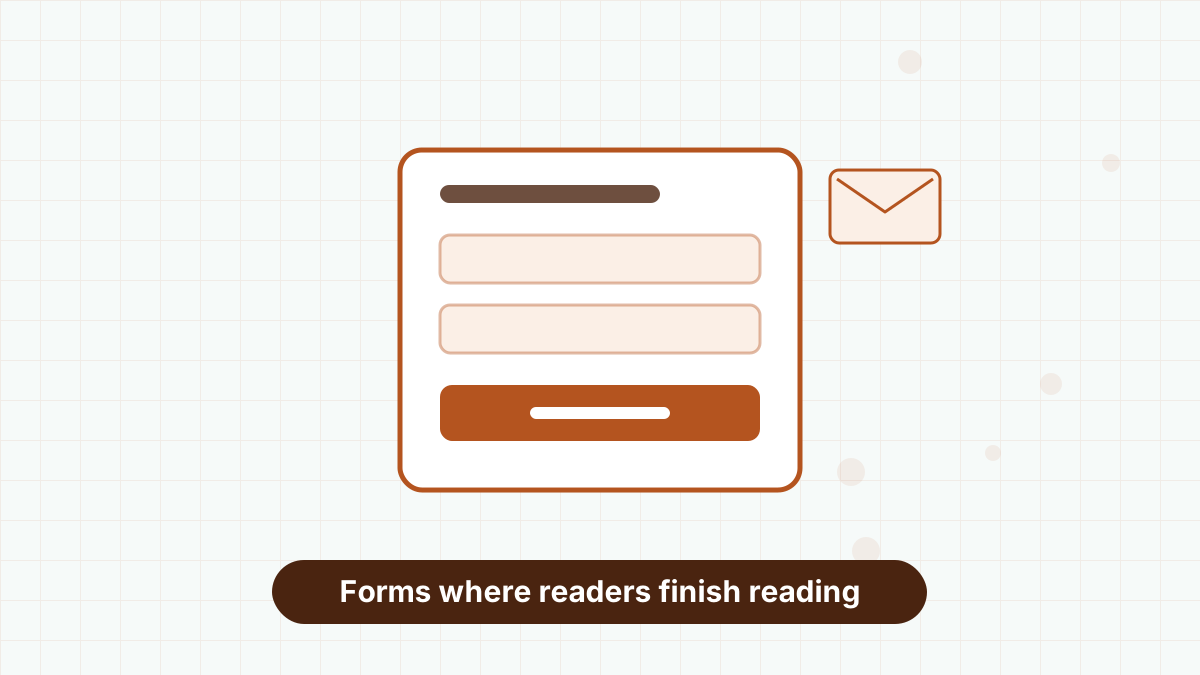
WordPress makes it easy to place forms in high-intent spots. Our favorites:
- After every post, using a reusable block or your theme's after-content area.
- Inside long tutorials, after the most useful section.
- On a resources page that lists your free downloads, each with its own form and tag.
- In the sidebar or footer, for steady background signups.
Match the offer to the content. A form after a post about budgeting should offer a budgeting template, not a general newsletter. See signup form best practices.
Classic Editor, Block Themes and Page Builders
How you place forms depends on how your site is built. In the block editor, use the AWeber Sign Up Form block, or save a form as a reusable pattern so it appears after every post.
On sites using the classic editor, the shortcode is the easiest option: paste it into any post, page or text widget. With Elementor, the plugin's integration lets you add AWeber forms inside your Elementor layouts.
If your theme has a dedicated "after post content" area, put a form there once and it appears across your whole blog. It's the single highest-impact placement for most WordPress sites.
Add Content Upgrades for More Signups
A content upgrade is a bonus tied to a specific post, such as a printable checklist for a how-to article. Because it matches exactly what the reader came for, it usually converts far better than a general newsletter form.
In WordPress, create a separate AWeber form for each upgrade, give it its own tag and place it inside the relevant post. Then build a short workflow that delivers the bonus and introduces your newsletter. Our lead magnet ideas guide has plenty of upgrade formats.
Send New Posts Automatically
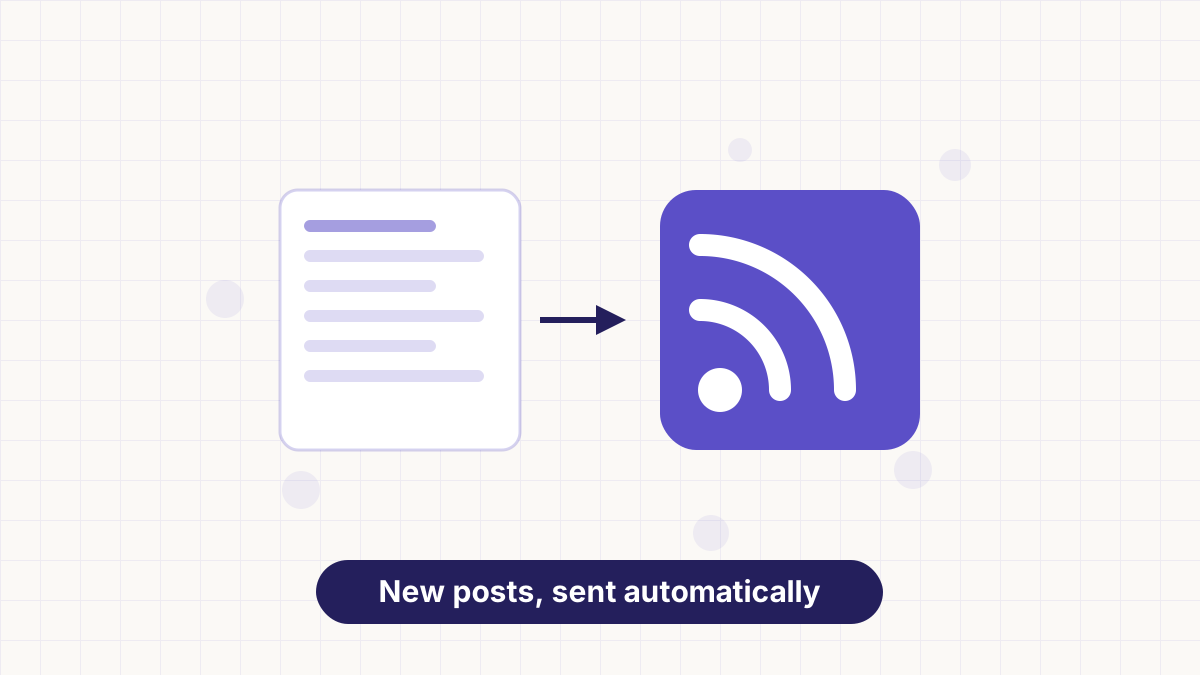
Once your forms are collecting subscribers, connect your WordPress RSS feed to an AWeber workflow. Each new post can then go out to your list automatically. WordPress feeds usually live at your site address followed by /feed.
This is the simplest way to keep subscribers engaged without writing extra emails. Full setup in AWeber RSS to email.
Troubleshooting
Signups don't appear in AWeber. Check the plugin is still connected to your account and that the form points to the right list. Test with a brand-new email address.
The form looks unstyled. Caching or optimization plugins sometimes delay form scripts. Clear your cache, and if the problem persists, exclude the AWeber script from script-delay features.
Commenters aren't being added. Make sure the comment opt-in option is turned on and that commenters tick the consent box if you've enabled one.
Duplicate subscribers. Use one list with tags rather than separate lists for each form.
Start a free AWeber account, install the official plugin and add your first signup form today.
AWeber WordPress FAQs
Is the AWeber WordPress plugin free?
Yes. The official plugin is free in the WordPress plugin directory. You'll need an AWeber account, which can be the free plan.
Can I add AWeber forms without a plugin?
Yes. Paste the form's JavaScript snippet or raw HTML into a Custom HTML block.
Does the plugin work with Elementor?
Yes. The plugin lists integration with Elementor Free and Pro.
Can AWeber add my blog commenters to my list?
Yes. The plugin can add commenters and new registrants to your list when you enable that option.