AWeber Integrations in Brief
AWeber lists more than 750 integrations, including Facebook, PayPal, WordPress, Shopify and Zapier. Most small businesses only need three or four of them: one for their website, one for payments or their store, and perhaps one for lead ads or a booking tool.
The practical approach is to list the tools your email platform must talk to, confirm each is supported, and set them up one at a time.
Between native integrations, the WordPress plugin, Stripe-powered selling and Zapier for everything else, AWeber covers the connections most small businesses need. Check your must-have tools before switching, then connect them one by one.
Website and WordPress
Your website is where most subscribers come from, so it's the first integration to set up.
WordPress users get an official AWeber plugin that embeds signup forms and landing pages, adds a signup form block and shortcodes, supports web push notifications and can add commenters and new registrants to your list. It also works with Elementor. See AWeber WordPress.
Other website builders can embed AWeber forms with the code snippet AWeber provides. Many form tools, such as WPForms, also offer AWeber add-ons that send their form entries straight to your list.
Stores and Payments
How you connect selling depends on where you sell:
Use AWeber's ecommerce element with Stripe to sell digital products, services and memberships. Buyers are added to your list automatically. See AWeber sales pages.
Connect store platforms such as Shopify so customers flow into AWeber and you can send follow-ups and abandoned cart emails. See AWeber ecommerce.
AWeber lists PayPal among its integrations, so PayPal buyers can be added to your list.
Lead Generation and Social
Lead generation integrations put new contacts straight onto your list, so they get your welcome sequence while they're interested.
Facebook is the most common: AWeber lists it among its integrations, and connecting lead ads means people who submit a lead form on Facebook are added to AWeber automatically. That's far better than downloading a spreadsheet and importing it days later.
For other social platforms, the simplest route is usually a landing page link in your profile. See grow your list with social media.
Zapier for Everything Else
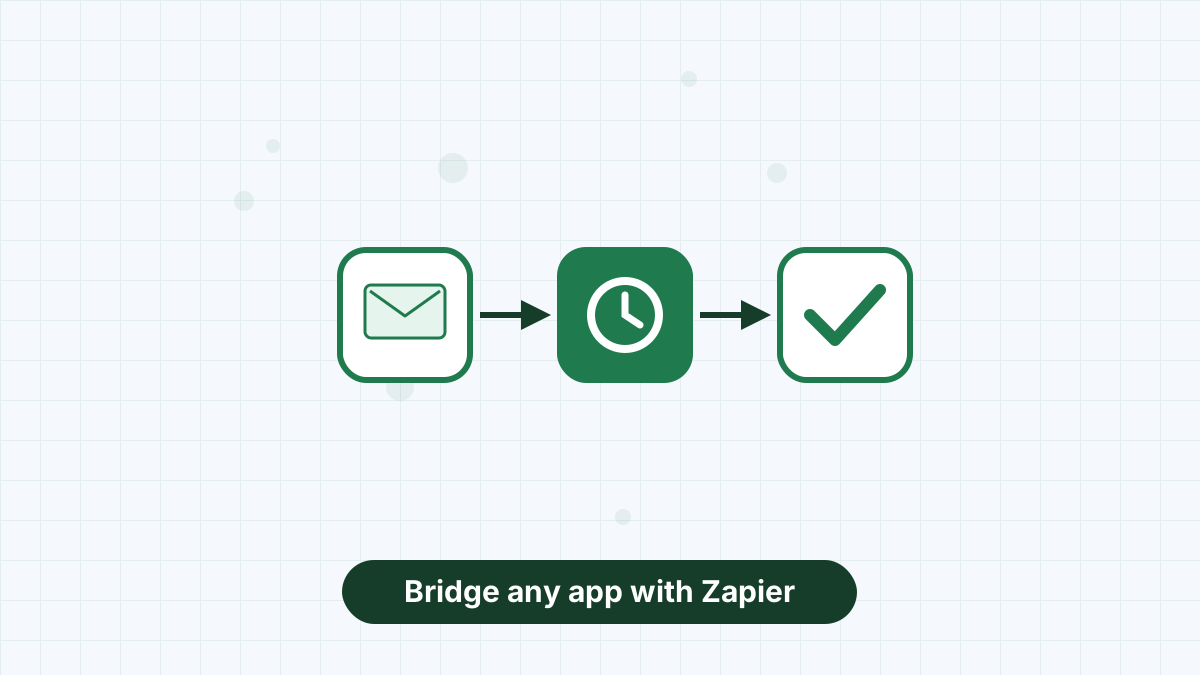
If a tool doesn't connect to AWeber directly, Zapier usually can. Zapier watches for an event in one app, such as a new booking, purchase or form entry, and performs an action in another, such as adding a subscriber to AWeber or applying a tag.
Common examples include adding people who book a call to your list, tagging course students when they enroll and adding webinar registrants to a reminder workflow. Zapier has its own pricing, so factor that in if you rely on it heavily.
Design and Content Tools
Two integrations live inside AWeber itself. Canva opens within the email editor so you can design graphics without switching tabs; see AWeber Canva integration. And RSS feeds from your blog, podcast or YouTube channel can power automatic emails; see AWeber RSS to email.
How to Check Your Stack Before You Switch
- List every tool that touches your subscribers: website, forms, checkout, booking, webinars, courses.
- Mark the must-haves. Usually your website and your checkout.
- Check AWeber's integrations directory for each one, or for a Zapier connection.
- Note how data flows: does it add subscribers, apply tags or both?
- Set up and test one integration at a time, with a test signup or purchase.
If you're switching from another platform, AWeber's free migration team can help reconnect your tools. See AWeber migration.
Integration Ideas by Business Type
The right integrations depend on how you run your business. These combinations come up most often:
- Bloggers: WordPress plugin for forms, RSS feed for automatic newsletters and web push for readers who won't share an email.
- Coaches and consultants: a booking tool connected through Zapier, so people who book a call get tagged and receive pre-call emails.
- Course creators: Stripe through AWeber sales pages, or your course platform via Zapier, tagging students so they get onboarding emails rather than sales pitches.
- Online shops: your store platform connected for customer data and abandoned cart emails.
- Local businesses: Facebook lead ads for promotions and a simple landing page for in-store QR codes.
Start with the one integration that brings in the most subscribers, get it working, then add the next.
Integration Tips That Save Headaches
- Tag at the source. Have each integration apply a tag so you know where subscribers came from.
- Watch for duplicates. If two tools add the same person, make sure they land on one list with tags, not two lists.
- Respect consent. Only add people who agreed to receive marketing emails. Buyers who didn't opt in should get transactional follow-ups only, unless your local rules allow otherwise.
- Test after updates. When a connected app changes, run a quick test signup to confirm data still flows.
From WordPress and Stripe to Facebook and Zapier, AWeber plugs into the stack you have.
AWeber Integrations FAQs
How many integrations does AWeber have?
AWeber lists more than 750 integrations, including Facebook, PayPal, WordPress, Shopify and Zapier.
Does AWeber integrate with WordPress?
Yes. AWeber's official WordPress plugin embeds forms and landing pages and adds a signup form block.
Does AWeber work with Shopify?
Shopify appears in AWeber's integrations, so store customers can flow into your AWeber list for follow-up emails.
Can I connect apps that AWeber doesn't support directly?
Usually, yes, through Zapier, which links AWeber to thousands of other apps.