AWeber Sales Pages in Brief
AWeber's sales pages are landing pages with an ecommerce element added. You connect a Stripe account, enter a product name and price, and visitors can buy without leaving the page. Every buyer is added to your AWeber list automatically, ready for follow-up emails.
It's built for creators and small businesses selling a handful of things: an ebook, a template pack, a course, coaching sessions, a membership or event tickets.
If you want to sell one or a few products without setting up a separate store, AWeber's sales pages are a fast, low-maintenance option. Larger stores with many products are better served by a dedicated store platform connected to AWeber.
What You Can Sell
AWeber's help documentation lists these product types for the ecommerce element:
Guides, workbooks and checklists delivered by email after purchase.
Paid workshops, classes and online events.
Recurring payments for ongoing access to content or a community.
Design assets, spreadsheets and printables.
Coaching sessions, consultations and done-for-you work.
Physical products can be sold too, but AWeber notes that stock levels aren't tracked automatically, so you'd need to remove a product manually when it sells out.
Payment Options
AWeber supports three payment types through Stripe: one-time payments, subscriptions and split payments, which let customers pay in instalments. You can accept payments in more than 100 currencies, which helps if you sell internationally.
Stripe handles the card processing, chargebacks and refunds. You'll need a Stripe account and may need to verify your business and identity with Stripe before you can take payments.
What It Costs
Two fees apply to each sale. Stripe charges its standard processing fee, and AWeber adds its own transaction fee depending on your plan.
| Plan | AWeber transaction fee | Sales tracking |
|---|---|---|
| Lite | 1.0% | Not included |
| Plus | 0.6% | Included |
Here's a worked example on Plus: selling a $50 ebook incurs an AWeber fee of $0.30, plus Stripe's fee. Check Stripe's current pricing for your country. If you sell regularly, the lower fee on Plus can offset part of the plan price.
How to Build a Sales Page
- Create a landing page from a template or the AI landing page builder.
- Add the ecommerce element where you want the buy button to appear.
- Connect Stripe. You only need to do this once; products you create in AWeber also appear in Stripe.
- Add your product, with a name, price and payment type.
- Set what happens after purchase: show a receipt or redirect to a thank-you or download page.
- Publish and test, using Stripe's test mode if you'd like to check the flow first.
For the copy itself, follow the same principles as any landing page: a specific headline, a clear benefit, what's included and a single call to action. See AWeber landing pages.
Follow Up Automatically After Each Sale
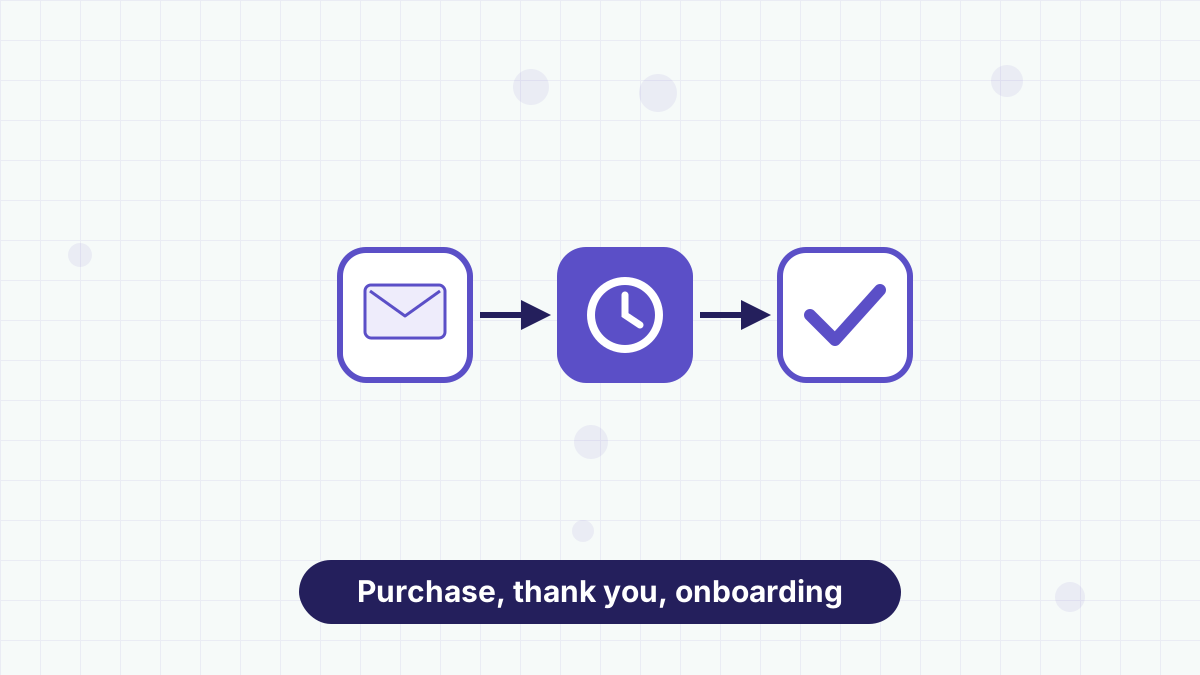
Because buyers are added to your list, you can start a post-purchase workflow straight away. This is where a sales page outperforms a simple payment link.
A short sequence might deliver the product, check in after a few days with a quick-start tip and ask for feedback a week later. For a membership, it might welcome members and point them to the most useful first resource.
Tag buyers so they stop receiving sales emails for the product they already own. See AWeber automation for how workflows handle this.
Writing a Sales Page That Converts
A sales page needs to answer the questions a buyer has before they'll pay. In order, those are: what is it, is it for me, what do I get, what does it cost and is it safe to buy?
Open with a headline that names the outcome, such as "Plan a Week of Family Dinners in 20 Minutes." Follow with two or three sentences on who it's for and the problem it solves. Then list exactly what's included: page counts, video lengths, templates or session times.
Show the price clearly near the buy button, and say what happens after purchase: "You'll get an email with your download link right away." If you offer a refund policy, state it plainly. Avoid invented testimonials or results; real feedback from early buyers, used with permission, is far more convincing.
Pricing Your First Digital Product
For a first product, simple pricing usually works best: one product, one price. Look at what similar creators charge for similar depth, then choose a price that reflects the time it saves your buyer.
Split payments can help with higher-priced offers such as courses or coaching packages, because they lower the upfront commitment. Subscriptions suit ongoing value, such as a monthly template club or a paid community.
Whatever you choose, test it with your list first. Send your announcement to subscribers before you promote it anywhere else. Their response is the quickest signal of whether your offer and price are right. Our product launch email sequence shows how to structure that announcement.
Where Sales Pages Fit and Where They Don't
Sales pages suit creators and service businesses with a few products, people testing a new offer quickly and anyone who wants payments, list-building and follow-up in one place.
They're less suited to stores with large catalogs, complex shipping or inventory needs. In that case, run your store on a dedicated platform and connect it to AWeber; see AWeber ecommerce. If you're comparing all-in-one options, AWeber vs systeme.io explains the trade-offs.
Build a sales page, connect Stripe and let AWeber add every buyer to a follow-up sequence.
AWeber Sales Pages FAQs
Do I need Stripe to sell with AWeber?
Yes. AWeber's ecommerce element uses Stripe to process payments.
What are AWeber's transaction fees?
AWeber charges 1.0% per transaction on Lite and 0.6% on Plus, in addition to Stripe's processing fees.
Can I sell subscriptions with AWeber?
Yes. AWeber supports one-time payments, subscriptions and split payments.
Are buyers added to my email list?
Yes. When someone buys through the ecommerce element, they're automatically added as a subscriber.