What Makes a Newsletter Work
The newsletters people keep opening share three things: a clear focus, a reliable schedule and a consistent format. Readers know what they'll get, when it arrives and how to read it quickly.
You don't need a large audience, a big budget or design skills to start. You need a promise worth keeping and the discipline to keep it.
We'd launch with a weekly or fortnightly newsletter, one simple template and a three-part format you can repeat. Consistency matters far more than polish in the first few months.
Day 1: Choose Your Focus and Reader
Write one sentence that describes your newsletter: who it's for, what they'll get and how often. For example: "A Friday email for small bakery owners with one marketing idea and one recipe costing tip."
A narrow focus is easier to write, easier to promote and more valuable to readers. You can widen it later.
Day 2: Pick Your Schedule and Format
Choose a schedule you can sustain for a year, not just a month. Weekly is a good default; fortnightly or monthly works if each issue is substantial.
Then choose a repeatable format. Formats make writing faster and help readers skim:
One idea, explained well, with a takeaway. Good for experts and writers.
Three to five links or tips with short commentary. Good for curators and busy readers.
A main tip, a quick update and one recommendation. Good for businesses.
News, offers and events. Good for local businesses and nonprofits.
See email newsletter ideas for content inspiration.
Day 3: Choose Your Platform
Your newsletter platform stores subscribers, hosts your signup page and sends each issue. For most beginners, look for:
- A free plan so you can start before you have readers.
- A hosted landing page so you don't need a website.
- Simple templates and a drag-and-drop editor.
- A welcome automation for new subscribers.
- Room to grow into automation, segmentation and paid products.
AWeber's free plan covers all of these for up to 500 subscribers, and its Newsletter Assistant can draft issues from your website and past emails for you to edit. See best newsletter platform to compare options.
Day 4: Set Up Signup and Welcome
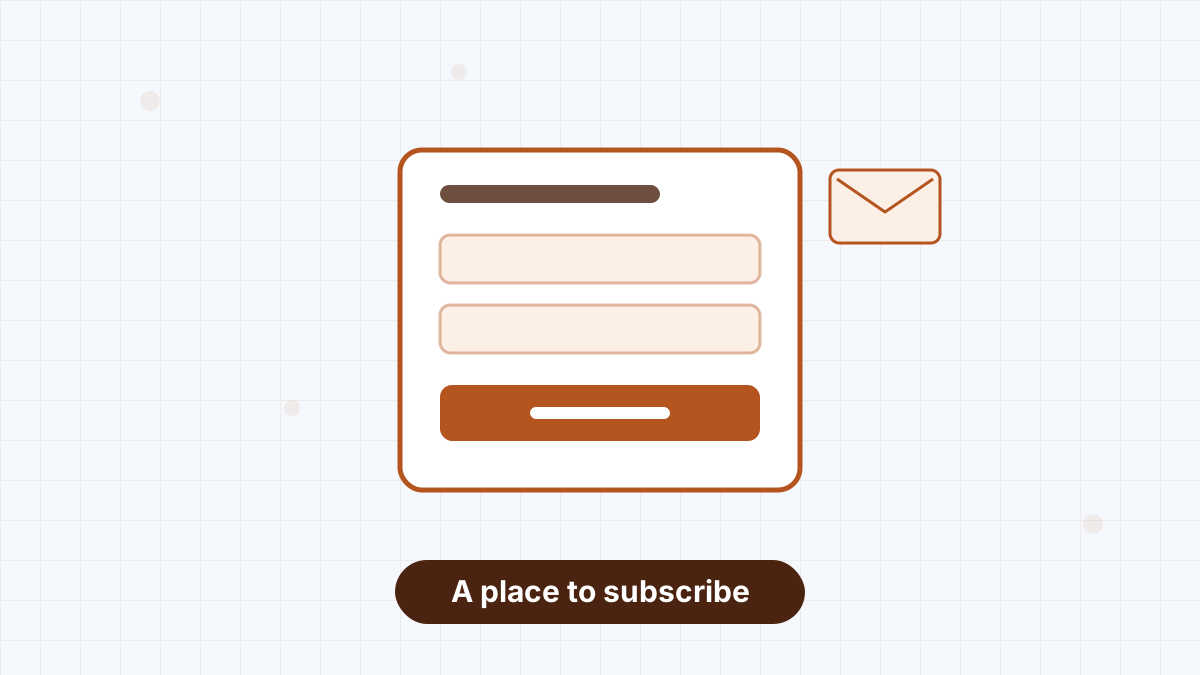
- Create a landing page with your one-sentence promise, a few bullet points and a signup form.
- Add a form to your website if you have one, at the end of posts and in the footer.
- Write a welcome email that thanks people, restates your promise and links to your best piece of content.
- Test the whole flow with your own email address.
See AWeber landing pages and welcome email sequence.
Day 5: Design a Simple Template
Keep your template clean: your logo or name at the top, a readable font size, one column for easy mobile reading and a clear footer with your address and unsubscribe link.
Save it as a template so every issue looks consistent and takes less time to build. See email design best practices.
Day 6: Invite Your First Readers
Personally invite people who'd enjoy your newsletter: customers, colleagues, friends in your field and social followers. Share your landing page link with a sentence about what they'll get.
See get your first 100 email subscribers for a step-by-step plan.
Day 7: Send Issue One
Write your first issue using your chosen format. Keep it shorter than you think it needs to be. Write a specific subject line, preview it on your phone and send it on the day you promised.
Then put the next issue in your calendar. See email marketing calendar and email subject lines.
Keeping It Going
- Batch your writing. Draft two or three issues at a time when inspiration strikes.
- Keep an idea list from reader questions and replies.
- Ask readers to reply. Replies tell you what to write and help deliverability.
- Check results monthly: opens, clicks and unsubscribes. See email marketing metrics.
- Automate where you can. RSS-to-email can send new blog posts automatically. See AWeber RSS to email.
Turning a Newsletter Into Income
Once you have engaged readers, a newsletter can support your business through product sales, affiliate recommendations, sponsorships or paid subscriptions. See make money with an email list and paid newsletter.
AWeber's free plan includes a landing page, templates, a welcome automation and the Newsletter Assistant to help you draft issues.
Starting a Newsletter FAQs
How do I start an email newsletter for free?
Use a platform with a free plan and hosted landing page, such as AWeber's free plan for up to 500 subscribers.
How often should I send my newsletter?
Weekly is a good default. Choose a schedule you can keep for at least a year.
Do I need a website to start a newsletter?
No. A hosted landing page from your email platform is enough to collect subscribers.
How long should a newsletter be?
Long enough to deliver your promise and short enough to read in a few minutes.